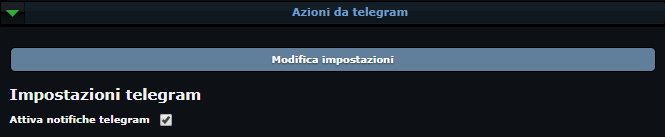
Acciones de Telegram

Telegram se usa para enviar comandos al bot y recibir notificaciones sobre tu cuenta.
Para configurar el chat, haz clic en el botón Escribe al bot y configura el chat. Se abrirá Telegram Web apuntando al bot:

Si te lo pide, inicia el bot de Telegram pulsando Start.
Después copia tu token, que está encima del botón Escribe al bot y configura el chat, excluyendo las comillas:

y envía el mensaje al bot:
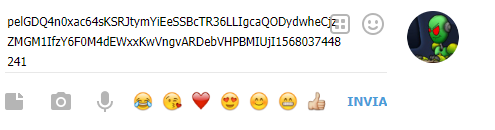
El bot responderá:

En la página de OGame también aparecerá el mensaje «Chat configurado con éxito».
Para terminar, vuelve al panel de Telegram, marca Activar notificaciones de telegram y haz clic en Modificar ajustes.