
Missions
Sends the knight on a mission as soon as he is back in the village, with the most profitable size and place.
Read in the manual: Missions
 BattleKnight bot
Missions back to back, work when points run out, attributes and karma, Telegram alerts
On BattleKnight mission points regenerate at any hour and whoever leaves them unused falls behind. oBot sits in the game tab and sends your knight on a mission every time he is back in the village, picking the largest mission your points allow and waiting for regeneration when health is low. When the points run out it sends him to work and collects the pay. With premium it raises the cheapest attributes and keeps a karma power always active. It logs back in when the session expires and alerts you on Telegram.
Features
Each feature has its own tab in the panel, with a line of explanation under every option and a preset ready to go.
Sends the knight on a mission as soon as he is back in the village, with the most profitable size and place.
Read in the manual: Missions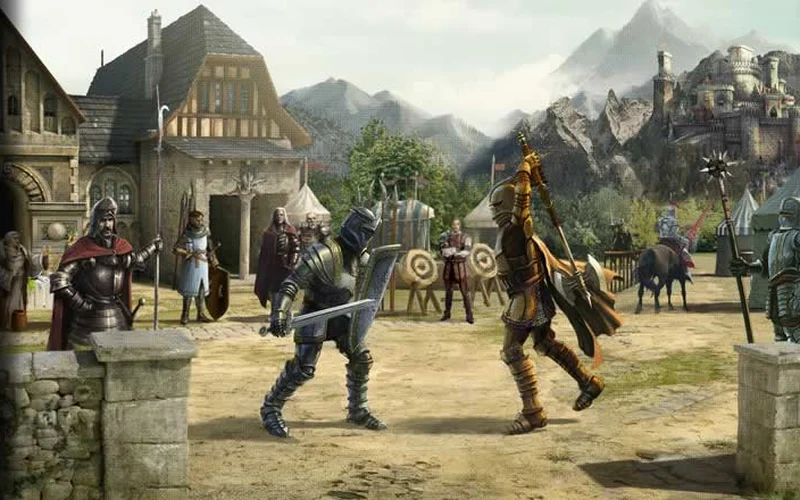
Once mission points run out it duels only opponents it can beat and takes on the Challenge.
Read in the manual: Duels and Challenge
When mission points run out it goes to work and collects the pay: silver even while waiting.
Read in the manual: Work
Always keeps the strongest karma power your points allow active.
Read in the manual: Karma powerThe bot’s other features, each with its own page in the manual.
Premium
What the bot does without premium and what premium unlocks, feature by feature.
| Feature | Standard | Premium |
|---|---|---|
| Automatic missions | Yes | Yes |
| Work with pay collection | Yes | Yes |
| Loot chest emptied and potions at low health | Yes | Yes |
| Duels received notice and King’s laws | Yes | Yes |
| Automatic re-entry | Yes | Yes |
| Telegram and evening summary | Yes | Yes |
| Attribute training | No | Yes |
| Best equipment | No | Yes |
| Karma power always active | No | Yes |
| Duels and Challenge | No | Yes |
| Potion purchases | No | Yes |
| Target areas | No | Yes |
On first install you get a few days of premium as a trial. Premium applies to your account in this game; packages and prices are the same for every oBot bot.
How it works
The free extension for Chrome, Firefox, Edge and Opera that runs scripts on web pages. Two clicks, no sign-up.
One click from the game page and Tampermonkey installs it. From then on new versions arrive without you doing anything.
The oBot button appears in the game. Pick what to hand over, save, close the panel if you like: the bot keeps going as long as the tab stays open.
FAQ

 OGame
Expeditions, attacks, transports and fleetsave while you are away.
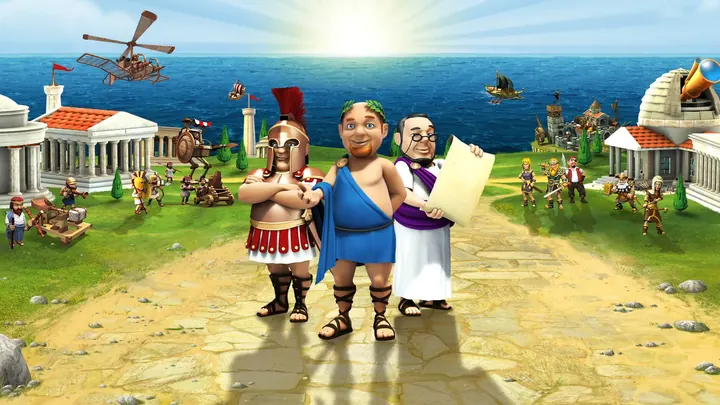
 Ikariam
Construction sites never idle, citizens at work, attack alarm.
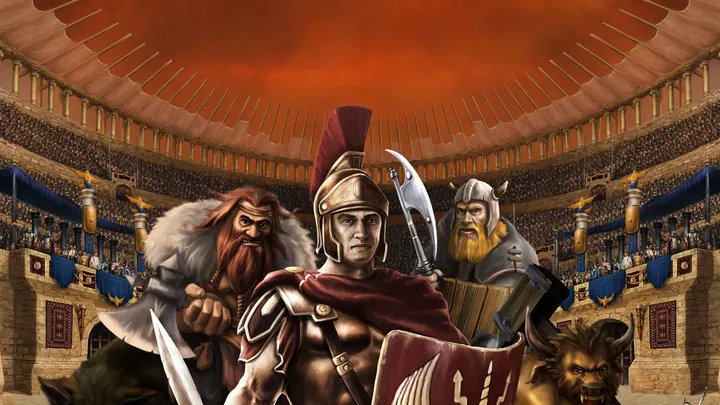
 Gladiatus
Expeditions, arena and healing with food: not a point wasted.
Want a bot for another browser game, found a bug or have an idea? Pick the reason: your email opens with the subject and outline already filled in.
Tell us which game and what the bot should do: the most requested ones come first.
WriteGame, bot version and what happened: with those three details it is usually fixed quickly.
WriteA feature you miss or an option to do better: quite a few updates started with an email like this.
Write