Telegram actions

Telegram is used to send commands to the bot and to receive notifications about your account.
To set up the chat, click the Write to the bot and set up the chat button. Telegram Web will open, pointing at the bot:

If asked, start the Telegram bot by pressing Start.
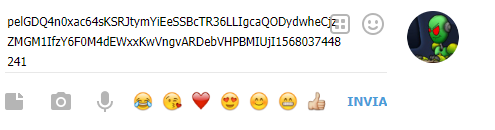
Then copy your token, shown above the Write to the bot and set up the chat button, leaving out the quotation marks:

and send the message to the bot:
The bot will reply:

A "Chat set successfully" message will also appear on the OGame page.
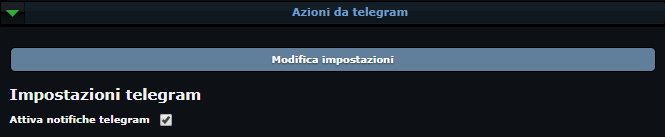
To finish, go back to the Telegram panel, tick Enable telegram notifications and click Save settings.