 OGame
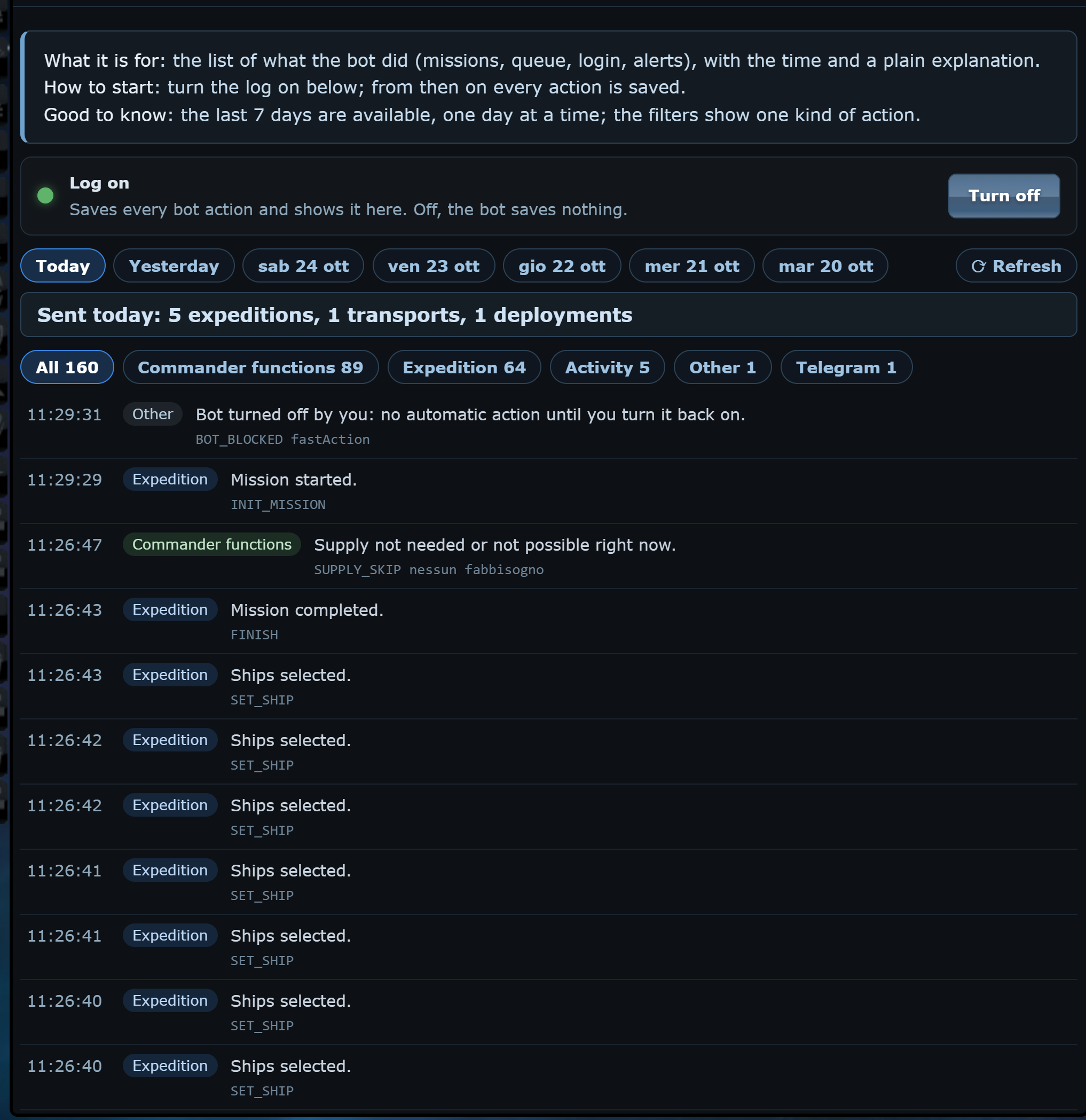
When an expedition does not leave or the queue stops, you need to know what happened and when. The Log lists everything the bot did: missions, queue, logins, alerts.
Always on
The Log is always on: there is no switch to turn on.
Days and filters
- You see the last 7 days, one day at a time: Today, Yesterday and the days before.
- Each row has the time, the kind of action and a plain explanation.
- The filters show one kind of action, in the order of the panel tiles, plus Other.
- With many rows it shows 400 and a button to see them all.
- Refresh reads the day again; if the oBot server does not answer it says so, and Refresh tries again.
From the status bar
The last line of the Log is also in the status bar at the bottom left: a click on the text opens the Log.